
Organisations allows for recording data for any organisations, businesses etc that are associated with your company.
The name of the section will vary per client as the section can be renamed based on your requirements, eg Schools, Charities etc.
These organisations can also be allocated their own membership type and allowance, which can then be applied against specific members.
These memberships can have membership costs applied against them, differing from the standard Members membership costs.
The Organisations section provides the options for:
- Quick Search
- Columns
- Export and
- Search
These are similar to the Members main list functionality.
The number of matching organisations is also shown for quick reference.
The Quick Search option allows for simple filtering based on the name of the organisation, as shown below.
The Columns option allows for showing or hiding nearly any data field within your schema, as shown below.
The Export option provides the ability to export a CSV file with the organisations shown in the list. Similar to the Members Export option, only the matching organisations are exported in the CSV file. For example, if a search was created for only organisations with a status of "active", then only those organisations would be exported. This also applies to saved Segments.
The data fields shown in the export will be based on your data schema but can usually be modified to your requirements.
The Search function provides options for advanced search queries to be created based on nearly any data field within the organisation schema, and to save the search parameters as a Segment, as shown below. Please view this article that explains how to create a segment.
An organisation typically will have four sections within it, these are Profile, Data, Membership and Members.
The fields in Profile and Data can be customised to your requirements based on the data that you wish to capture.
Profile
The Profile section will typically be used for contact details, however these can be configured based on your requirements.
Additional fields can be added based on this.
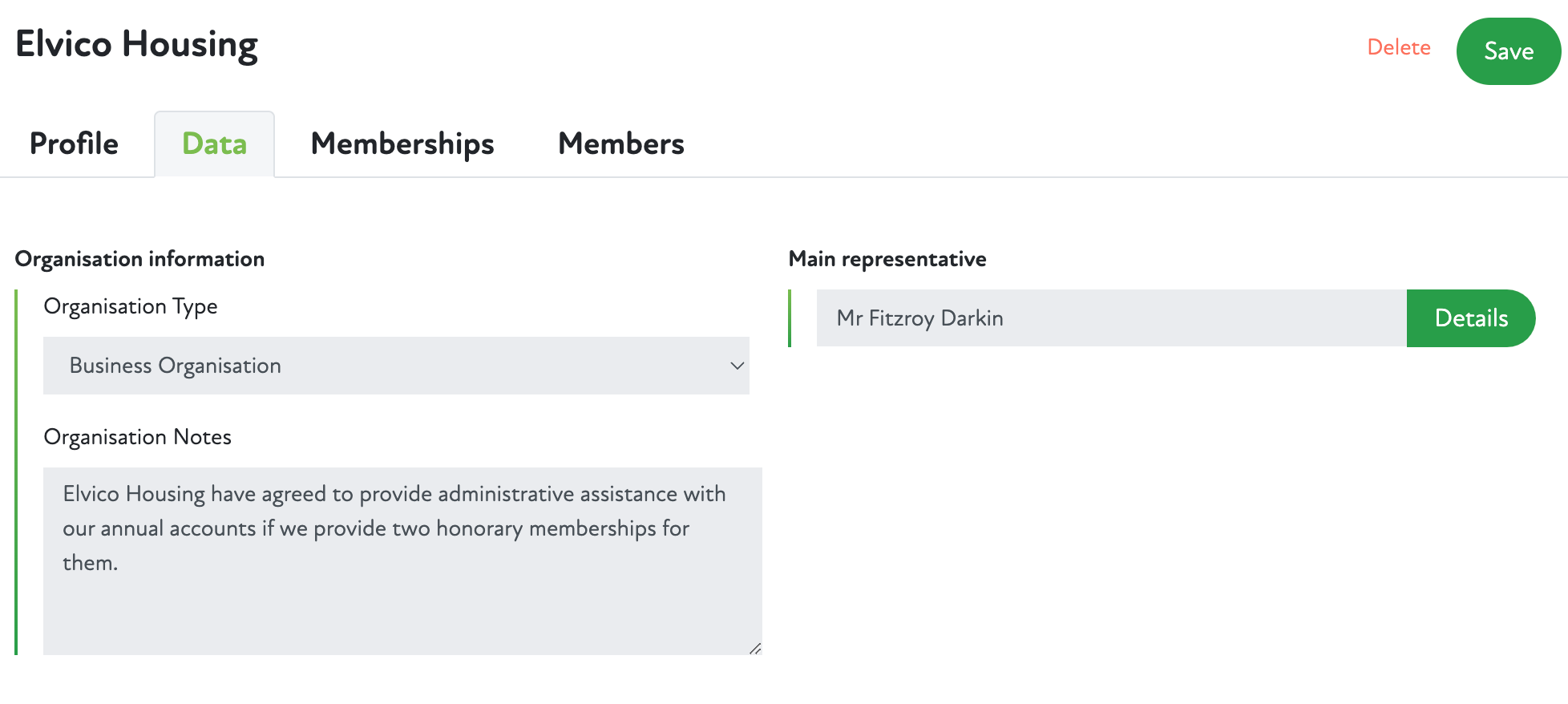
Data
The Data section will typically be used for storing information about the organisations relationship with your company, however these can be configured based on your requirements.
Additional fields can be added based on this.
 Memberships
Memberships can be allocated to an organisation, these are typically created in the Membership Types section.
Members
Members within your company may be part of the organisation, rather than a standard membership type. Members can be added to the organisation using the Add member button, which allows for applying the specific membership type to that member.
Comments
0 comments
Article is closed for comments.